
Every client. One dashboard.
Manage your bookkeeping clients, assign staff, and stay on top of client activity, pending reviews, and approvals, all from one place.
Get started free
A clearer way to manage your workload
All your clients, one place
Manage client accounts, documents, and bookkeeping activity from a single dashboard. No more switching between accounts to find what you need.
Know where to focus first
See which clients have submitted documents and answered requests, so you can prioritize work that’s ready to move forward.
Keep your team on track
Assign clients to staff and keep responsibilities clear, so your team can work efficiently as your client list grows.
Your entire practice at a glance
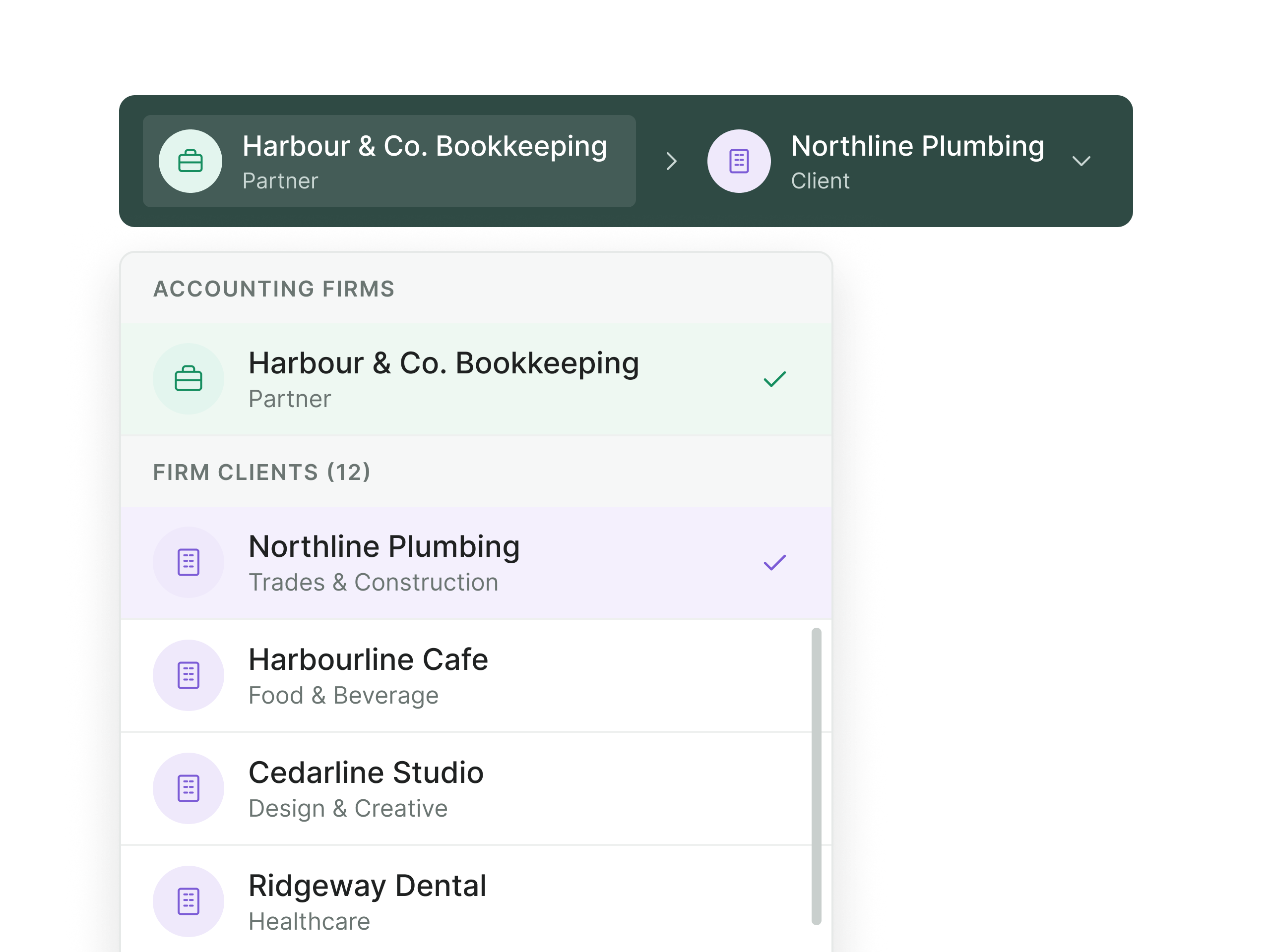
One login for all your clients
Open any client's workspace from your client list and switch back without signing out.
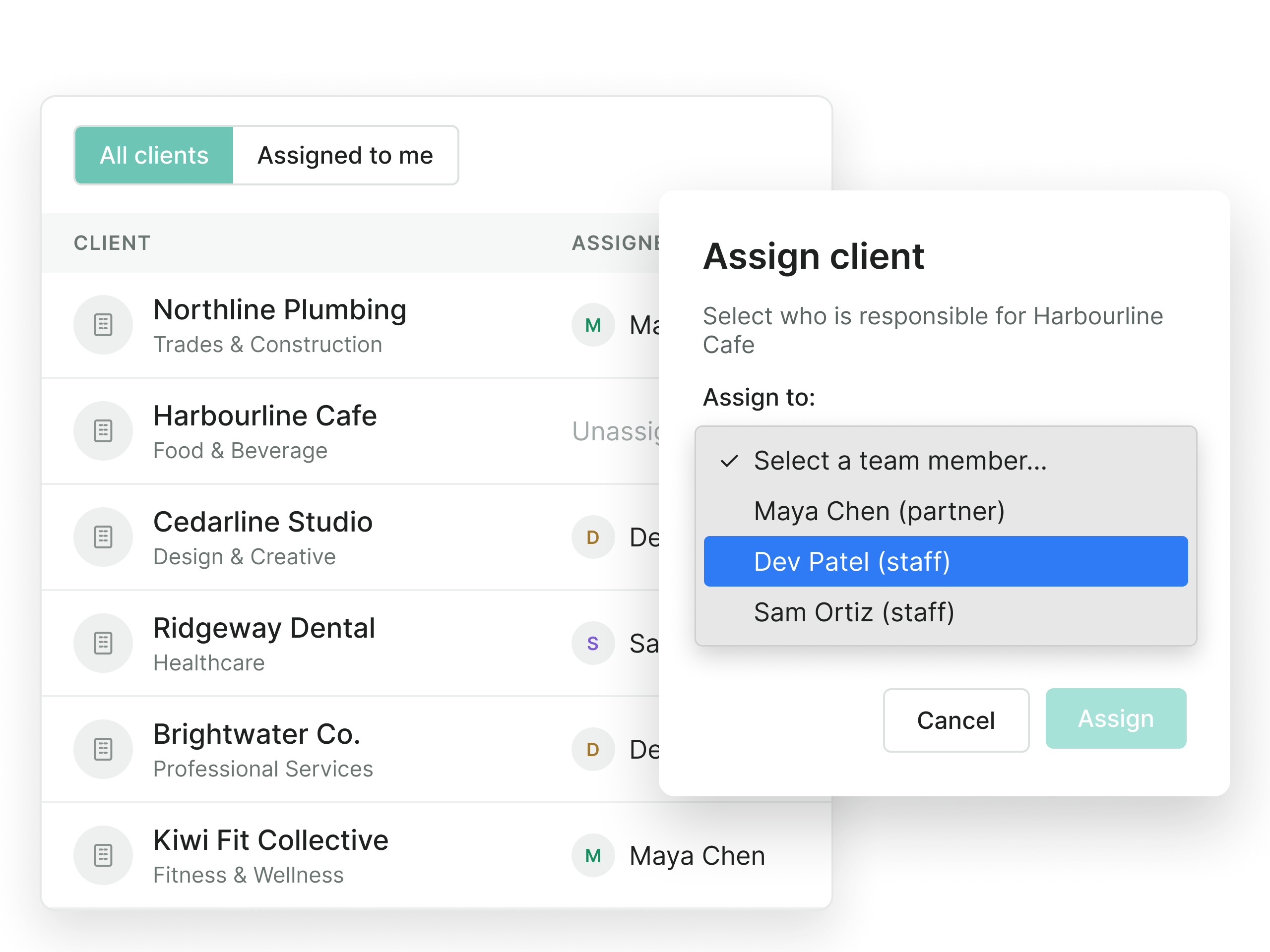
Assign clients to your team
Assign clients to staff members and filter your dashboard to see who's responsible for each account.
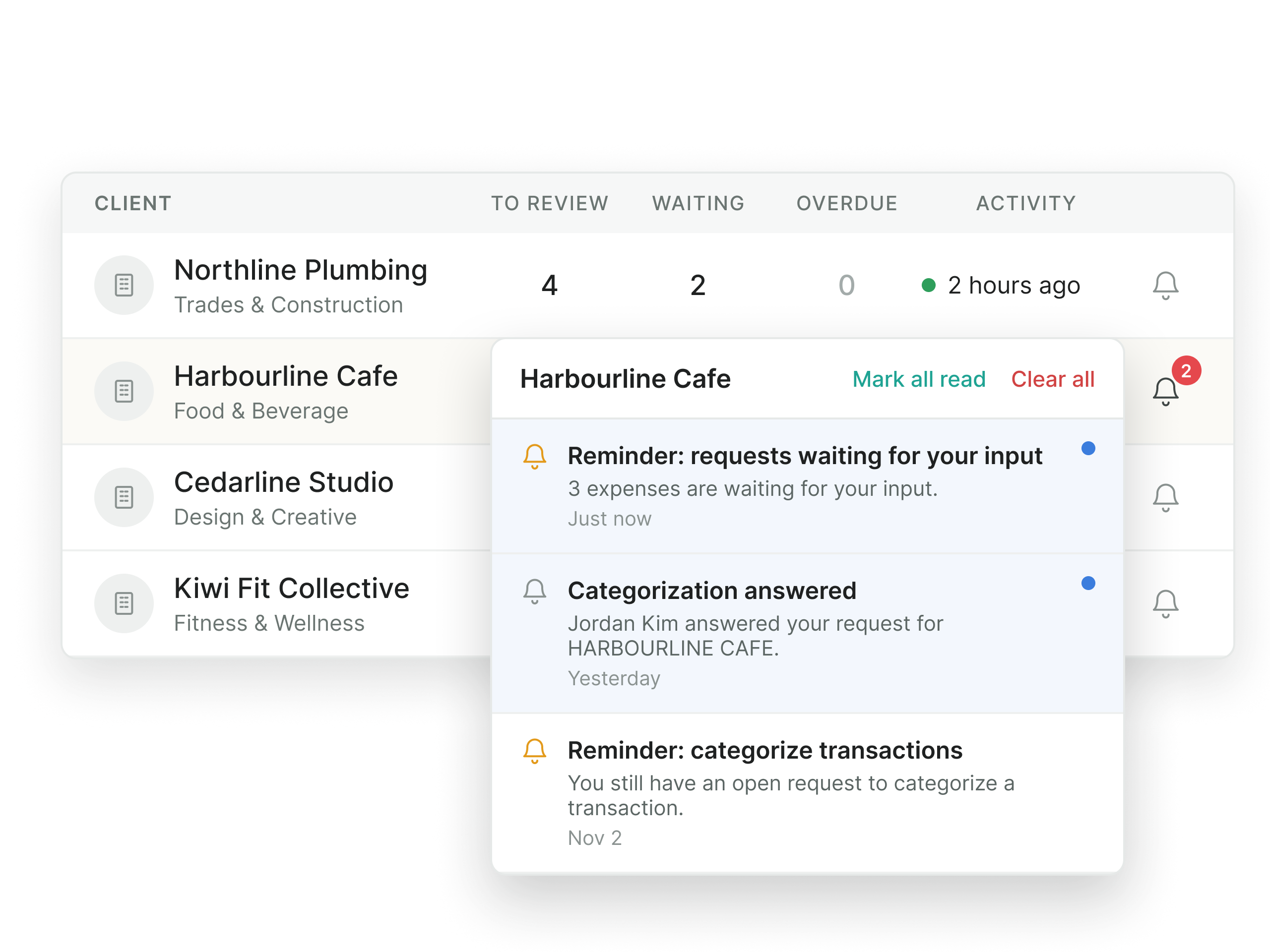
Know what's waiting
See which clients have documents to review, invoices awaiting approval, or outstanding work. Get a clear overview of what needs attention across your firm.
Less chasing. More bookkeeping
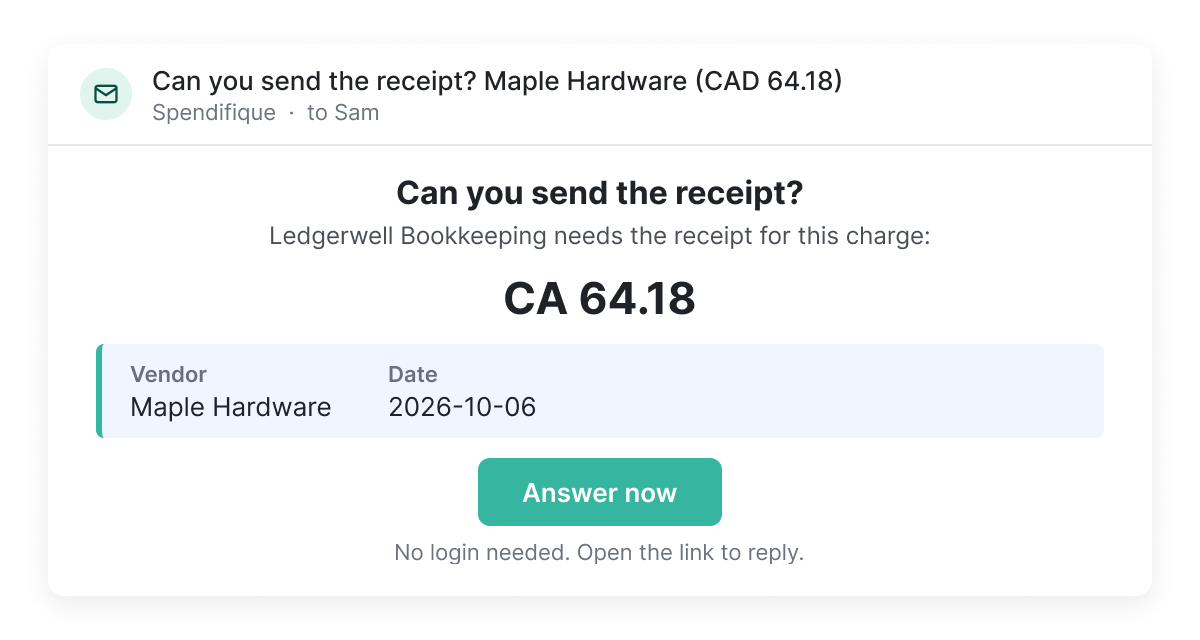
Request what you need
Send a request for missing receipts, invoices, or other documents. Recipients can respond through a link without creating a Spendifique account or logging in.
Keep approvals moving
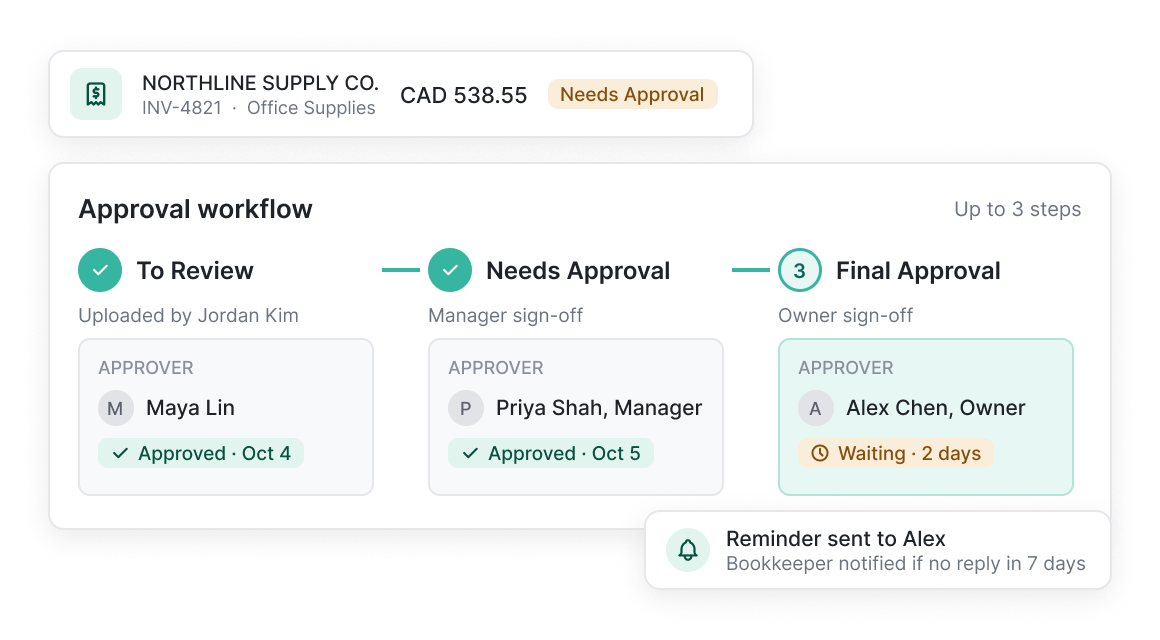
Route invoices through an approval workflow with up to three steps, with automated email notifications to keep reviewers informed.
More ways to simplify bookkeeping

What bookkeepers are saying
Real feedback from bookkeepers and firms using Spendifique every day.
What made me switch was the lack of minimum client requirements. I didn’t want to pay for 10 clients when I only had 4 active ones. The multi-invoice PDF detection has also been surprisingly useful: it asks for confirmation and then automatically splits documents, which saves me a lot of manual effort. The extraction accuracy is better than what I’ve used in Xero and Hubdoc. Turnaround time is fast, and the suggestions are usually correct.

Having no limits on scans or line items is a big win. I don’t have to worry about usage caps when clients upload a large batch of invoices. The multi-line extraction works well, even on more detailed invoices with lots of items. I also appreciate that vendor recognition improves over time, it genuinely feels like the system learns and becomes more accurate the more I use it.
Speed is what really stands out. I can upload an invoice and within seconds, it's categorized with the vendor and tax details already filled in. The centralized dashboard makes managing multiple clients much easier, especially when assigning work to team members.

The workflow is straightforward and doesn't try to do too much. Setting up new clients is fast, and the chart of accounts and vendor lists sync automatically. Clients find the interface easy to use too, which cuts down on back-and-forth.
Questions about the firm dashboard?
Spendifique lets bookkeepers and accounting firms manage multiple clients from a single dashboard. Each client has their own workspace, so you can switch between accounts, assign staff, track outstanding work, and manage client subscriptions without signing out.
Yes. Spendifique allows accounting firms to assign clients to staff members and filter the dashboard by assigned team member. This helps organize responsibilities and manage bookkeeping work across your team.
Yes. Clients can access their own Spendifique workspace when needed to view and manage their financial documents, while your firm continues to manage their bookkeeping.
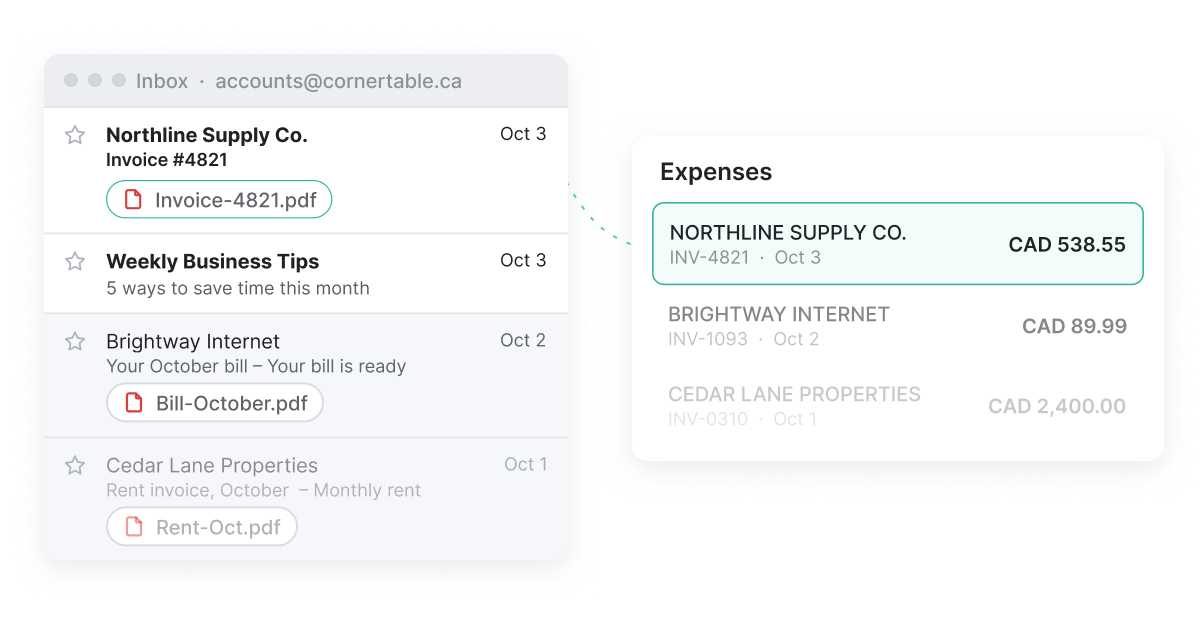
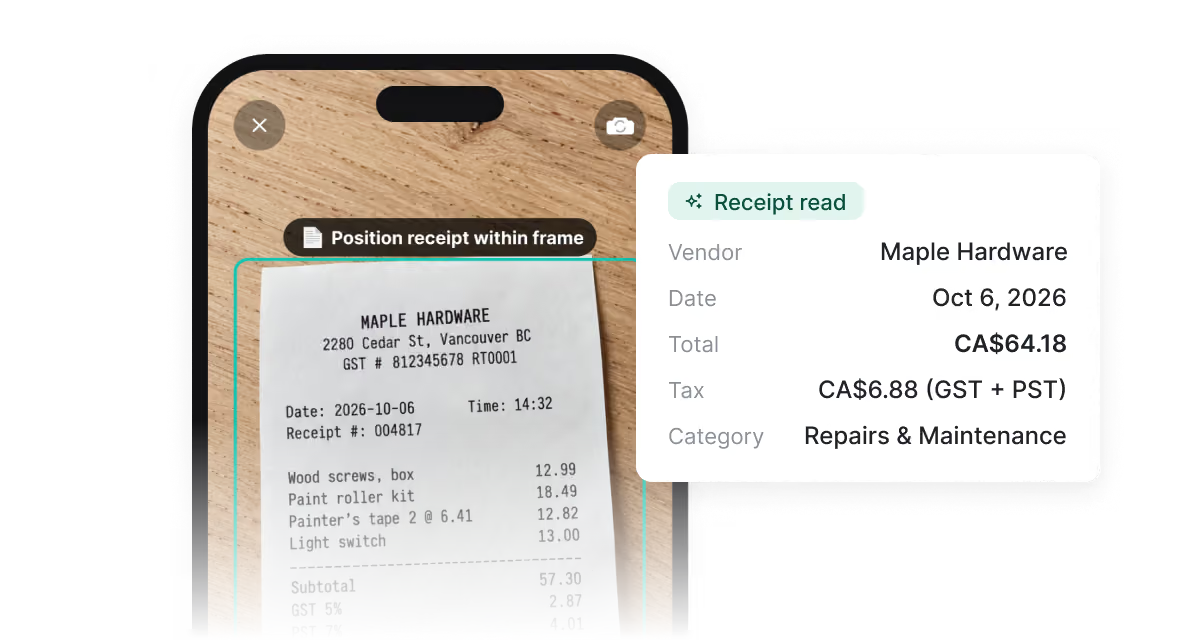
Clients can submit receipts and invoices through the Spendifique mobile app, forward documents to their unique Spendifique email address, or connect Gmail or Outlook through Inbox Sync for automatic collection. This gives clients several ways to share financial documents without relying on manual uploads.
Yes. You can send requests for missing receipts, invoices, or other documents through Spendifique. Recipients can respond using a link without creating an account or logging in, even if they don't use Spendifique.
Spendifique's accounting firm dashboard provides an overview of documents awaiting review, pending approvals, and other outstanding work across clients. You can identify which accounts need attention and open individual workspaces to take action.
Yes. Spendifique integrates with QuickBooks Online and Xero, allowing bookkeepers and accounting firms to sync processed bookkeeping data with their accounting software.
The Accounting Firm Dashboard is not available on Spendifique's free Basic plan. It is designed for bookkeepers and accounting firms using eligible paid plans, with pricing based on the number of clients you manage. Visit our pricing page to compare plans and find the right option for your firm.
More questions?
Bring every client into one dashboard
Set up your firm, add your first client, and see what needs your attention today.
Get started