
Automate invoice processing with Spendifique and Xero
Collect invoices and receipts, extract financial data with AI, and sync organized bills and expenses to Xero. Keep your bookkeeping workflow connected without the repetitive manual work.
Start free
From scattered invoices to clean Xero records
Keep your accounts aligned
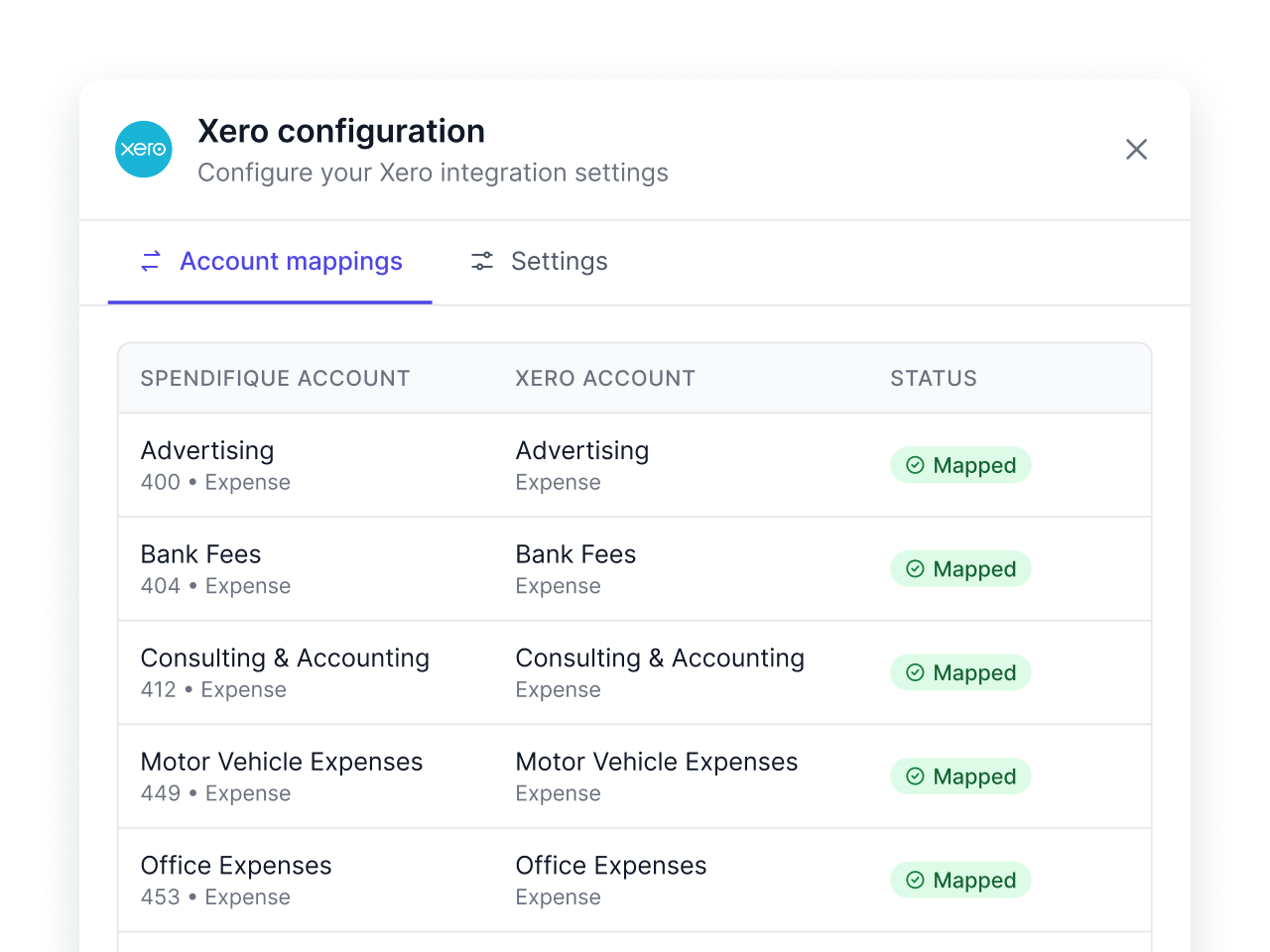
Connect your Xero Chart of Accounts to Spendifique and map taxes to the appropriate accounts, so expenses and tax amounts are recorded consistently when synced.
Sync multiple expenses to Xero at once
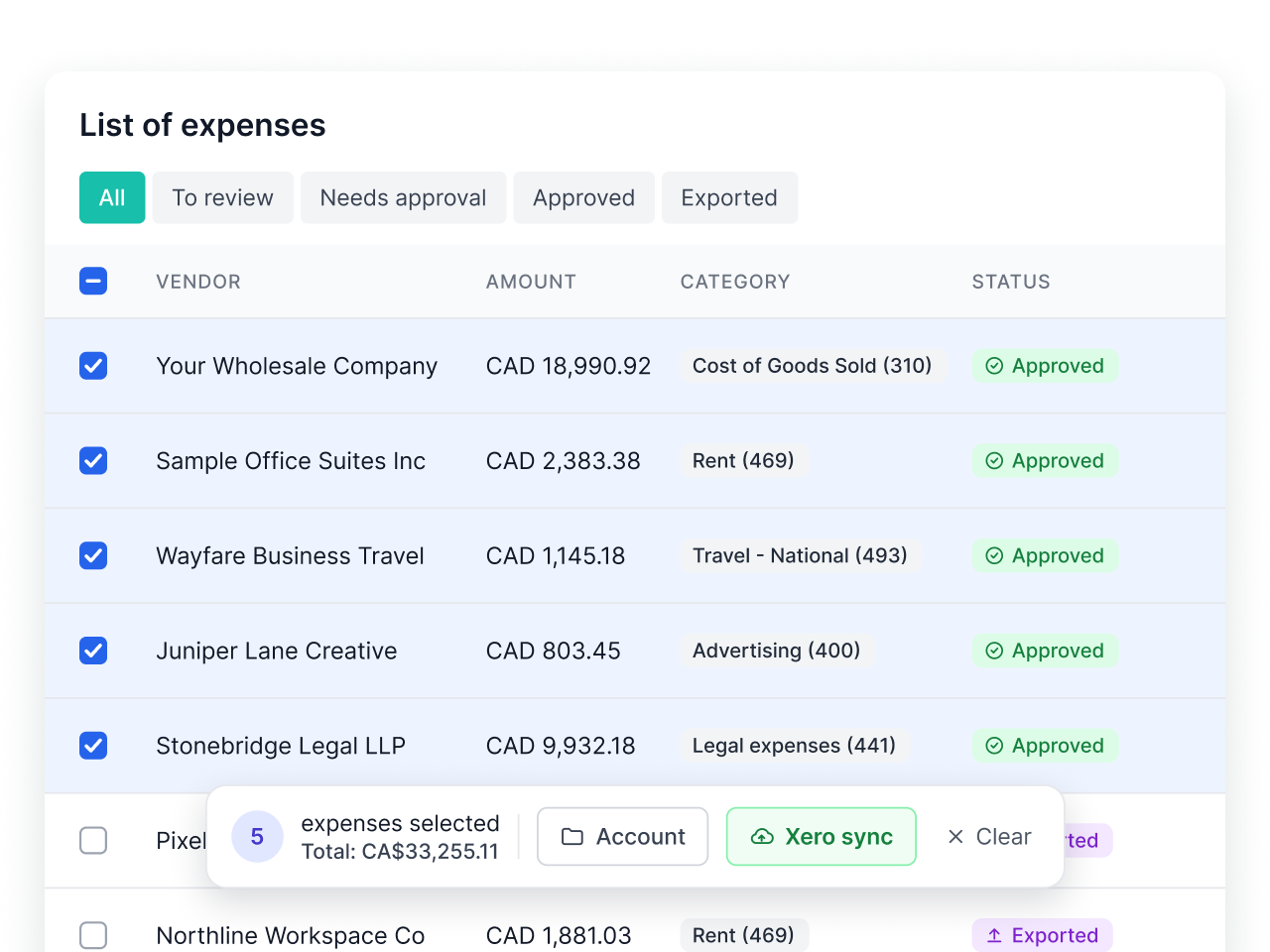
Select multiple reviewed and categorized expenses, then sync them to Xero in batches with their line items, accounting details, and original documents attached.
From invoice collection to Xero in three steps
Spendifique handles document collection and processing, so your financial records are ready to sync with Xero.
Collect invoices and receipts
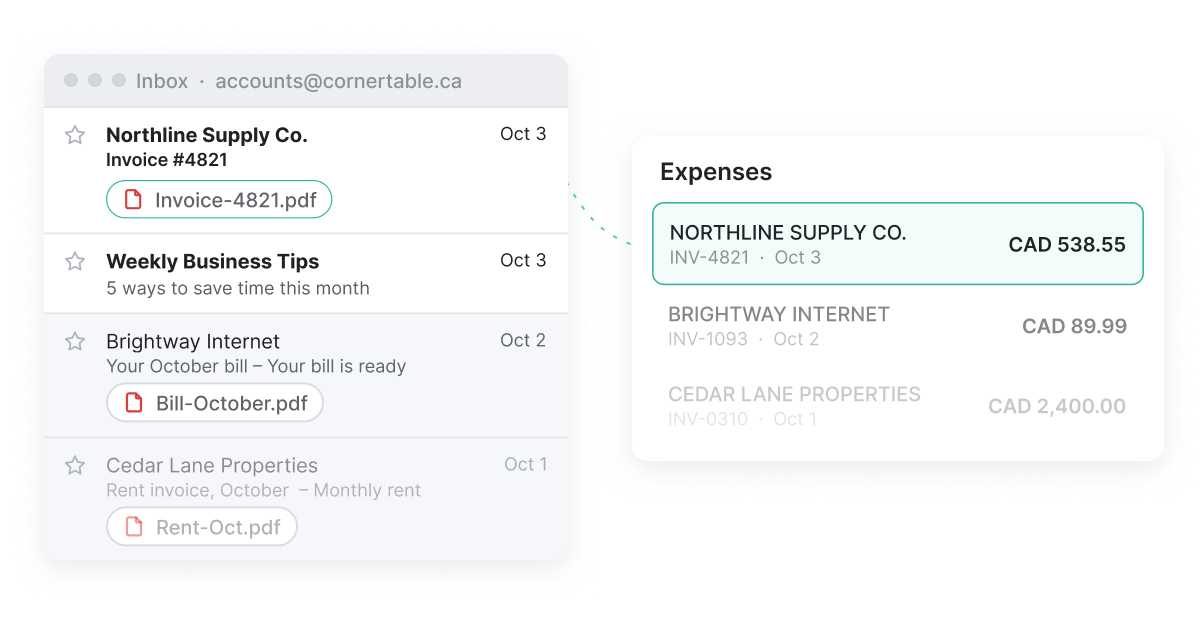
Upload documents, snap photos with your phone, or connect Gmail or Outlook to automatically collect invoices and receipts from your inbox.
Extract and review financial data
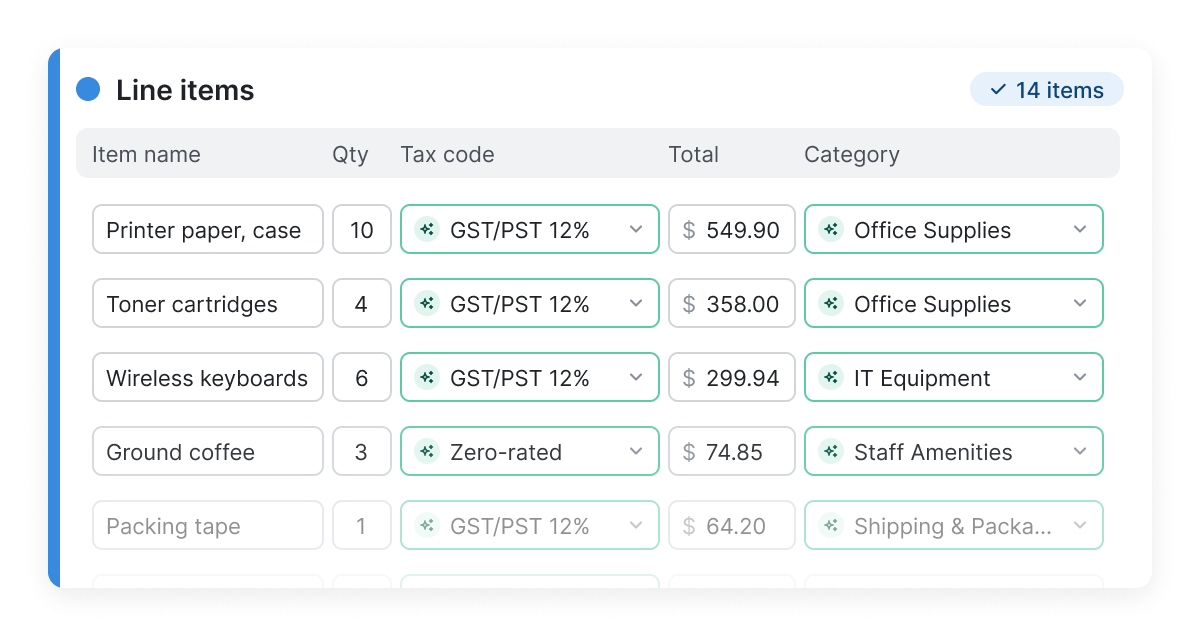
Spendifique uses AI to extract invoice details, amounts, taxes, and individual line items. Review the information, make corrections, and categorize expenses before syncing.
Sync to Xero
Send processed bills and expenses to Xero with their accounting details and supporting documents, reducing the need to enter the same information twice.
What the Spendifique Xero integration does


Imported from Xero into Spendifique

Chart of Accounts
Contacts (suppliers)
Tracking Categories
Posted from Spendifique into Xero
Bills with supplier, date, and amount
Account codes and tax rates
Tracking categories, where applicable
Original supporting documents
What gets posted to Xero
Tax amounts are recorded according to your Spendifique tax settings. You can record taxes under the same account as the line item or map them to a separate account in your Xero Chart of Accounts.
Already using Hubdoc with Xero?
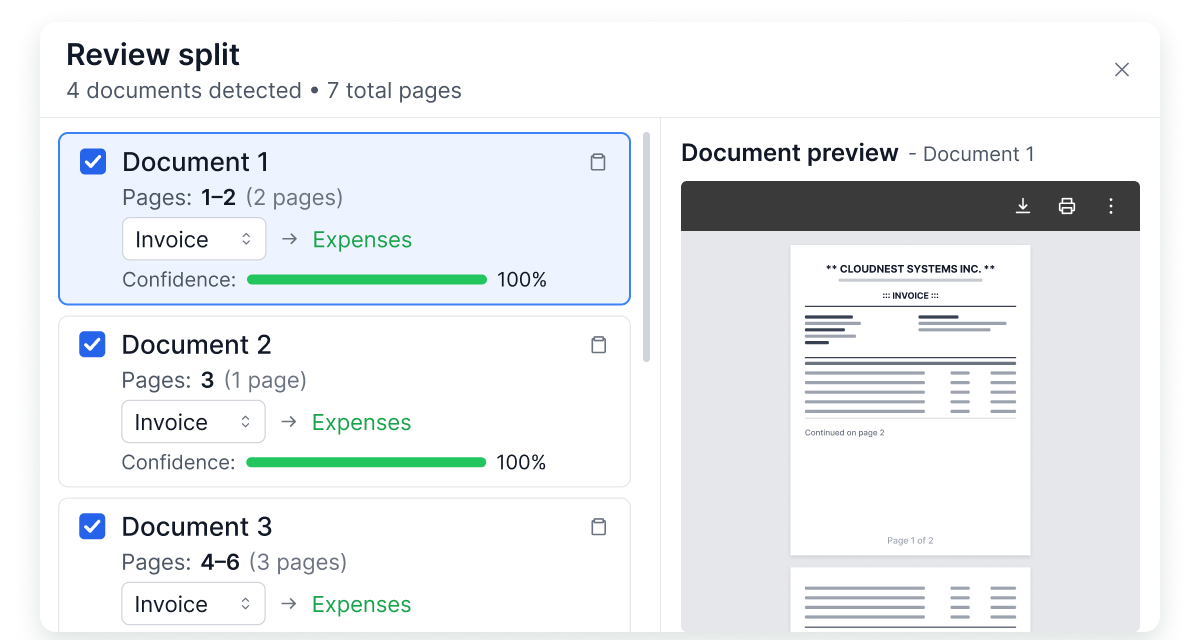
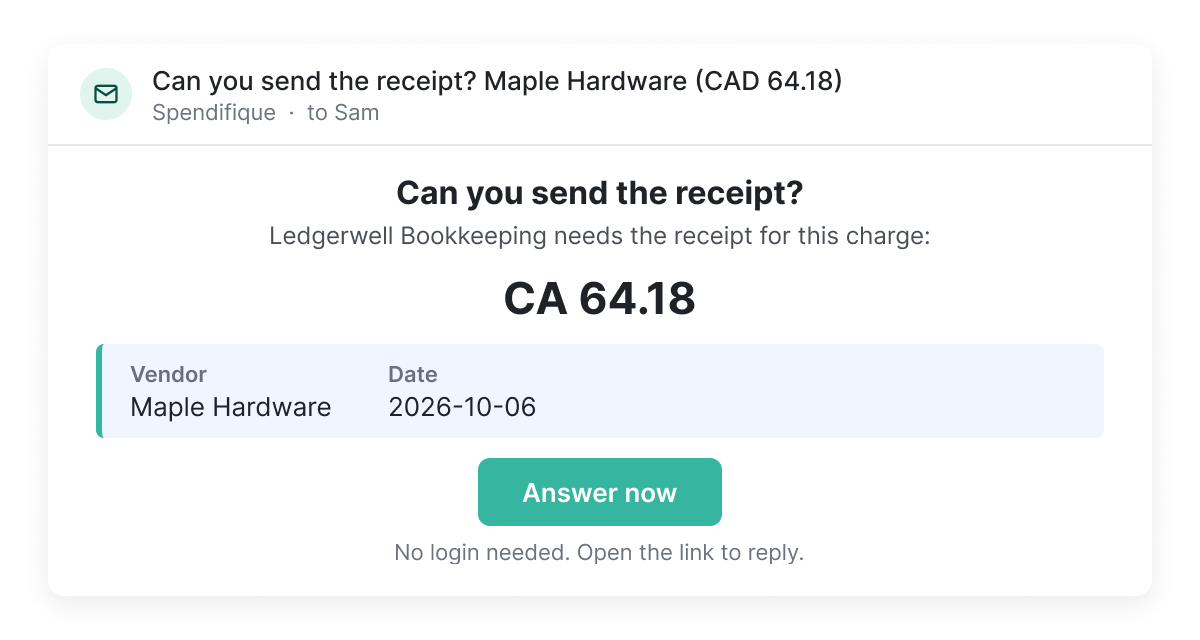
Go further with Spendifique. Find invoices in your email history, extract individual line items with AI, split multi-invoice PDFs, and request missing receipts from clients.
Frequently asked questions
Yes. Spendifique integrates with Xero to simplify invoice and receipt processing for small businesses and bookkeepers. Collect documents, extract information with AI, categorize expenses, and sync processed bills with their supporting documents to Xero.
Sign in to Spendifique, go to your integration settings, and select Xero. Follow the authorization steps to connect your Xero organization. Once connected, you can map your accounts and start syncing processed invoices.
Yes. Spendifique can collect invoices and receipts from connected Gmail or Outlook inboxes, extract details with AI, and suggest accounting categories. Review the processed documents and sync them to Xero individually or in batches.
Yes. Spendifique offers plans for bookkeepers managing multiple clients. Organize client documents, process invoices and receipts, and connect each client's accounting records to Xero.
Hubdoc, included with Xero subscriptions, helps collect and process financial documents. Spendifique offers additional workflows, including AI-powered line-item extraction, invoice-based PDF splitting, historical Gmail and Outlook scanning, and multi-step invoice approvals.
For a detailed breakdown, read our Spendifique vs. Hubdoc comparison.
Spendifique uses your Xero Chart of Accounts for expense categorization and account mapping. When you sync an invoice, Spendifique creates a bill in Xero with supplier information, invoice details, categorized line items, and the original document attached.
Yes. Spendifique automatically identifies and separates individual invoices within a single PDF, keeping multi-page invoices together. Each invoice can then be processed and synced to Xero separately.
Yes. The Spendifique Xero integration is free to use, with no additional integration fees. Spendifique offers different plans based on your bookkeeping needs, including a free Basic plan with 30 scans. Visit our pricing page to compare plans and features.
More questions?
Don’t hesitate to contact us if you have any other questions.
Spend less time preparing expenses for Xero
Collect invoices, extract financial data, and keep your bookkeeping organized with Spendifique.
Start free