
Scan receipts on the go
Scan receipts on the go, extract expense details and individual line items with AI, and review and categorize expenses from your phone. Sync your records with QuickBooks Online or Xero to keep your bookkeeping up to date.
Get started free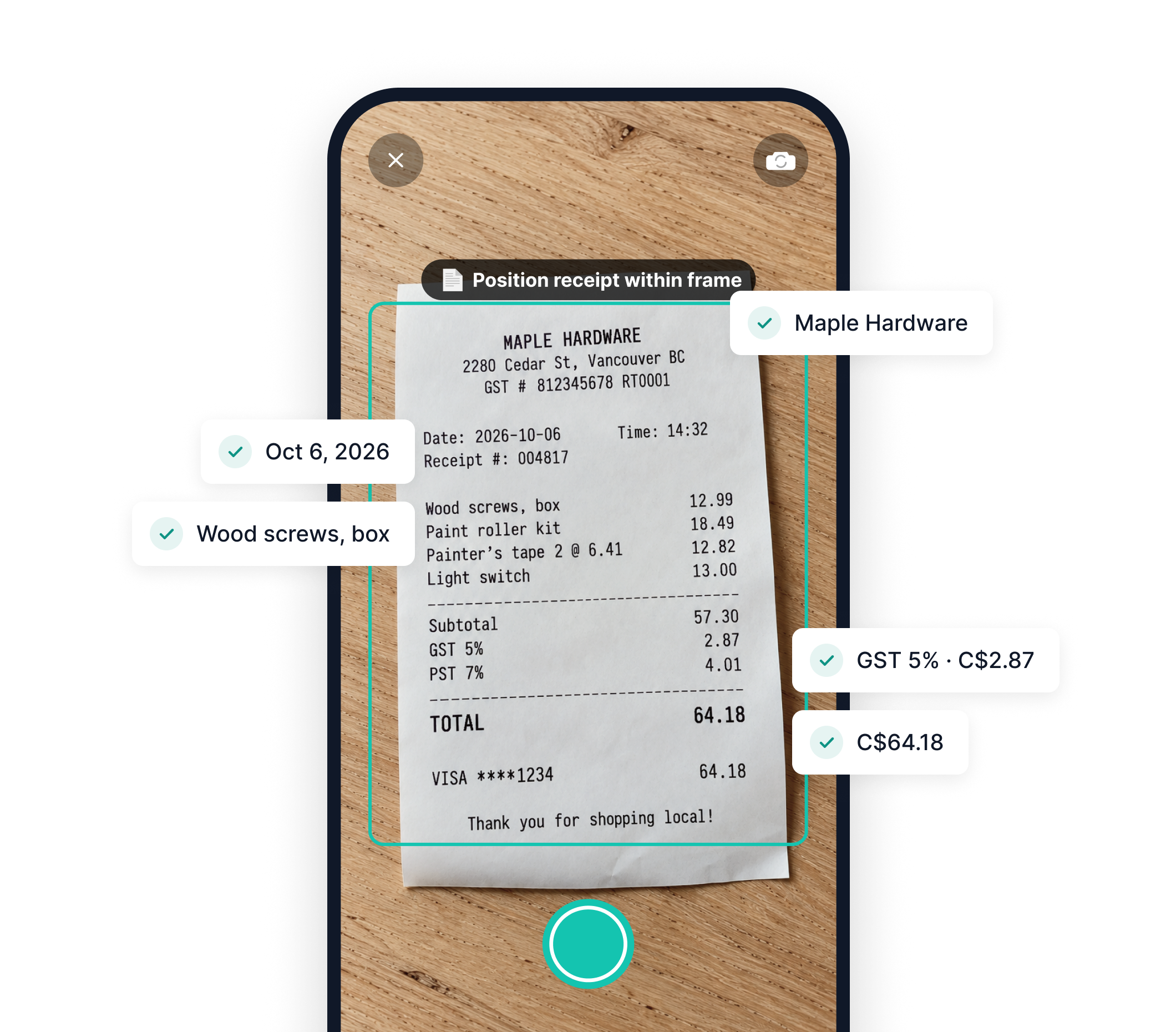
From paper receipts to organized expenses
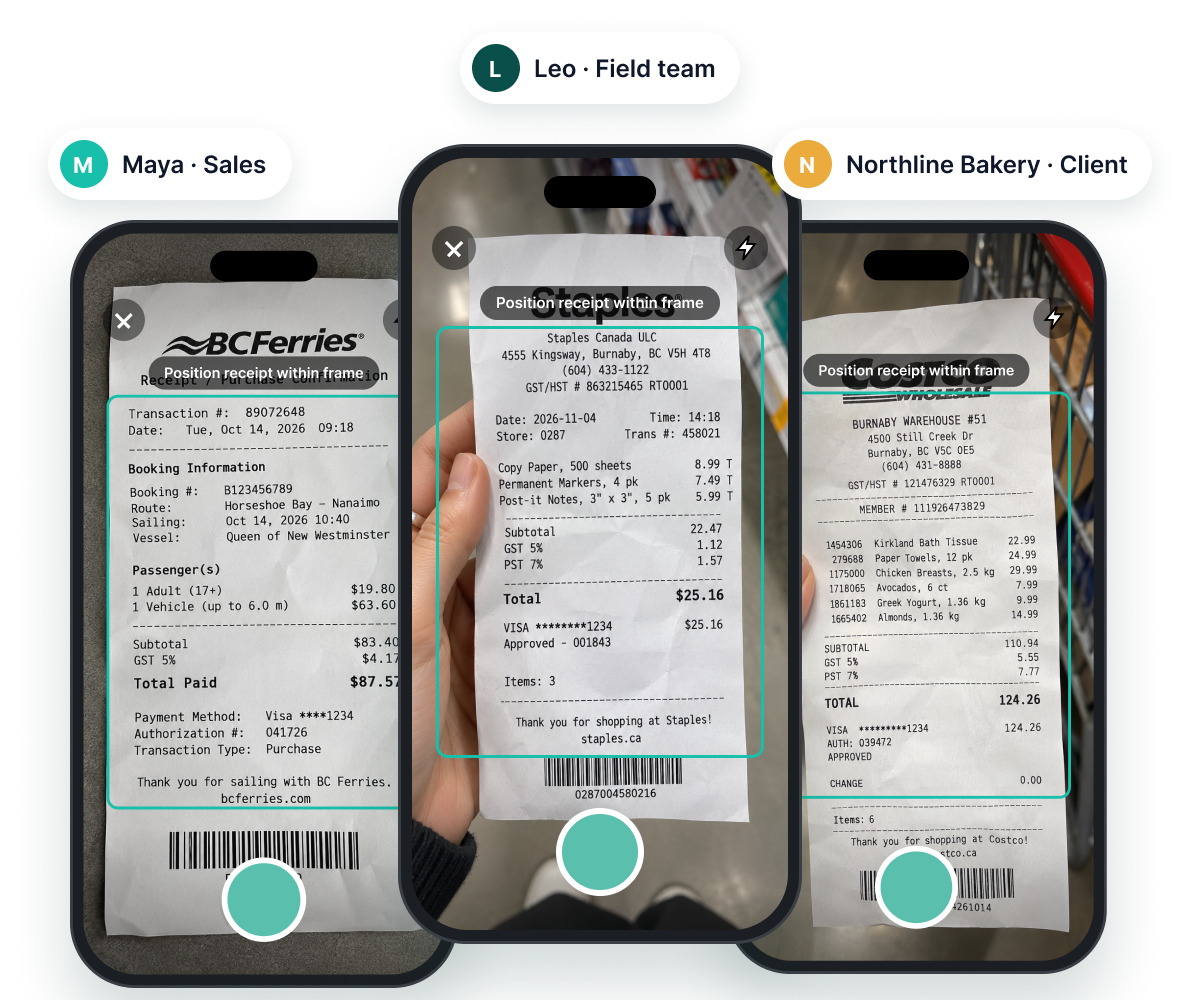
Scan receipts on the spot
Capture receipts with your phone and upload them directly to Spendifique, whether you're at a store, travelling, or submitting expenses for a client.
Extract individual line items with AI
Go beyond receipt totals. Spendifique reads individual items, descriptions, quantities, prices, and taxes, turning scanned receipts into structured expense data.
Explore AI Line item extraction →More than just a receipt scanner
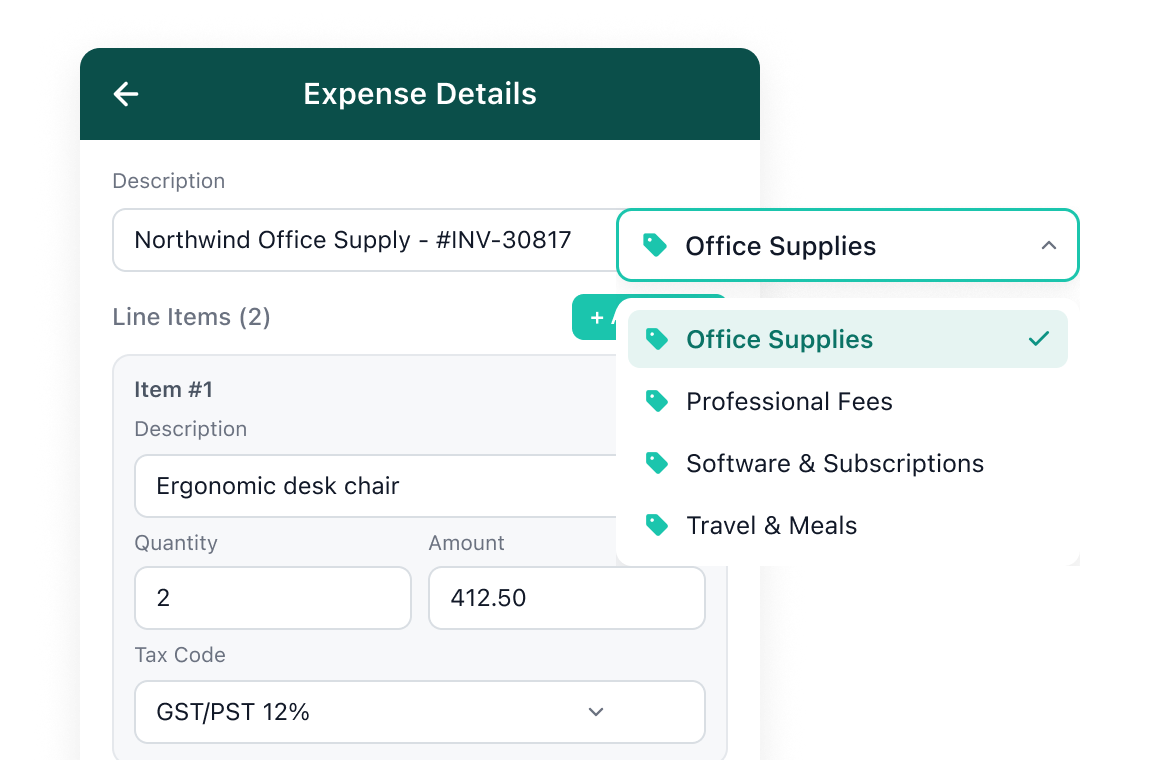
Review, edit & categorize
Review expense details, make corrections, and assign categories directly from your phone.
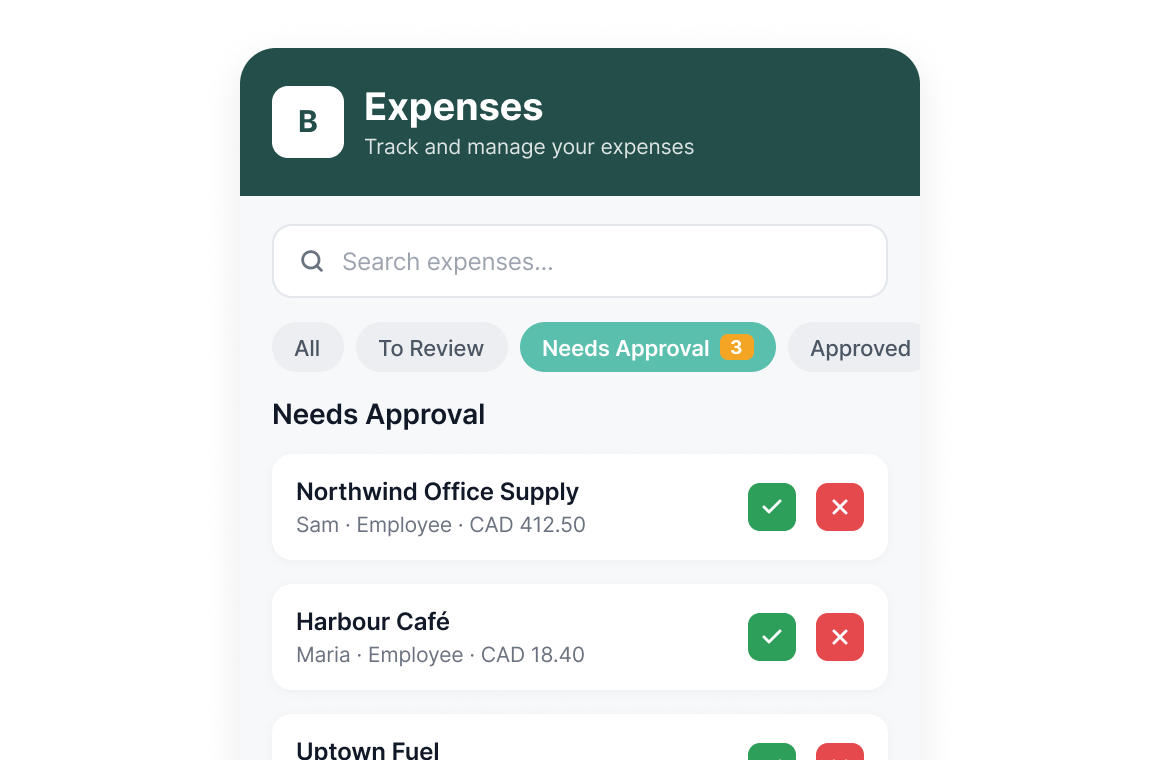
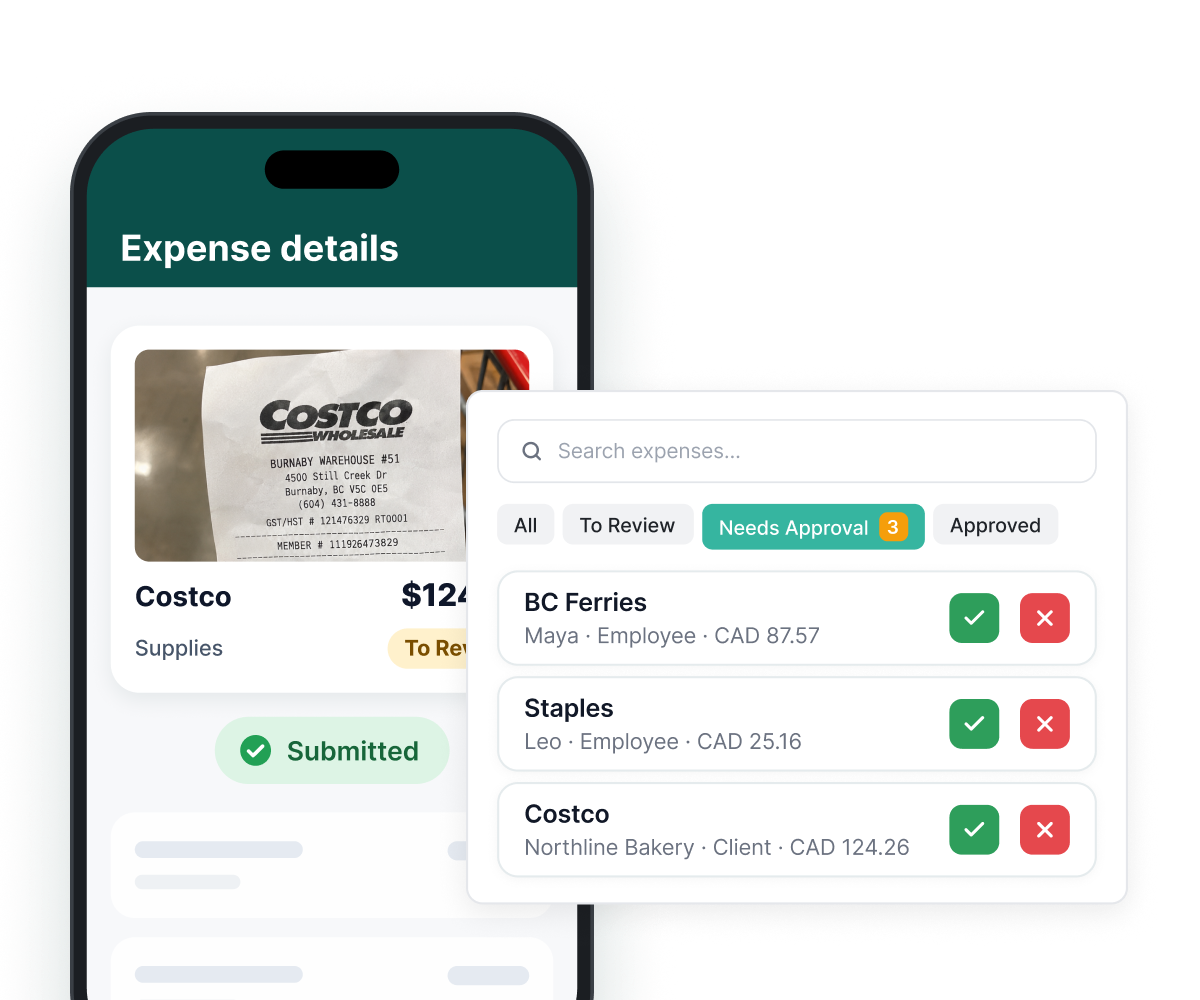
Approve expenses
Review submitted expenses and manage approvals wherever you are.
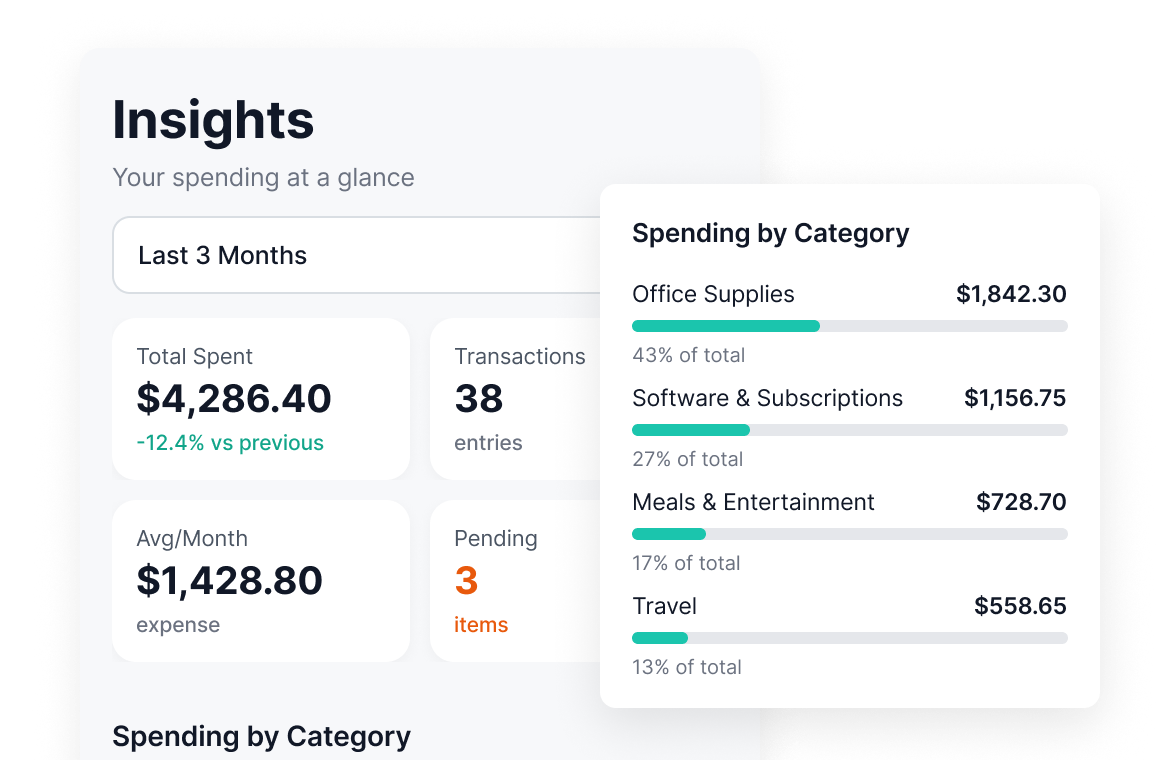
Track spending insights
See your expenses and spending patterns in one place to understand where your money goes.
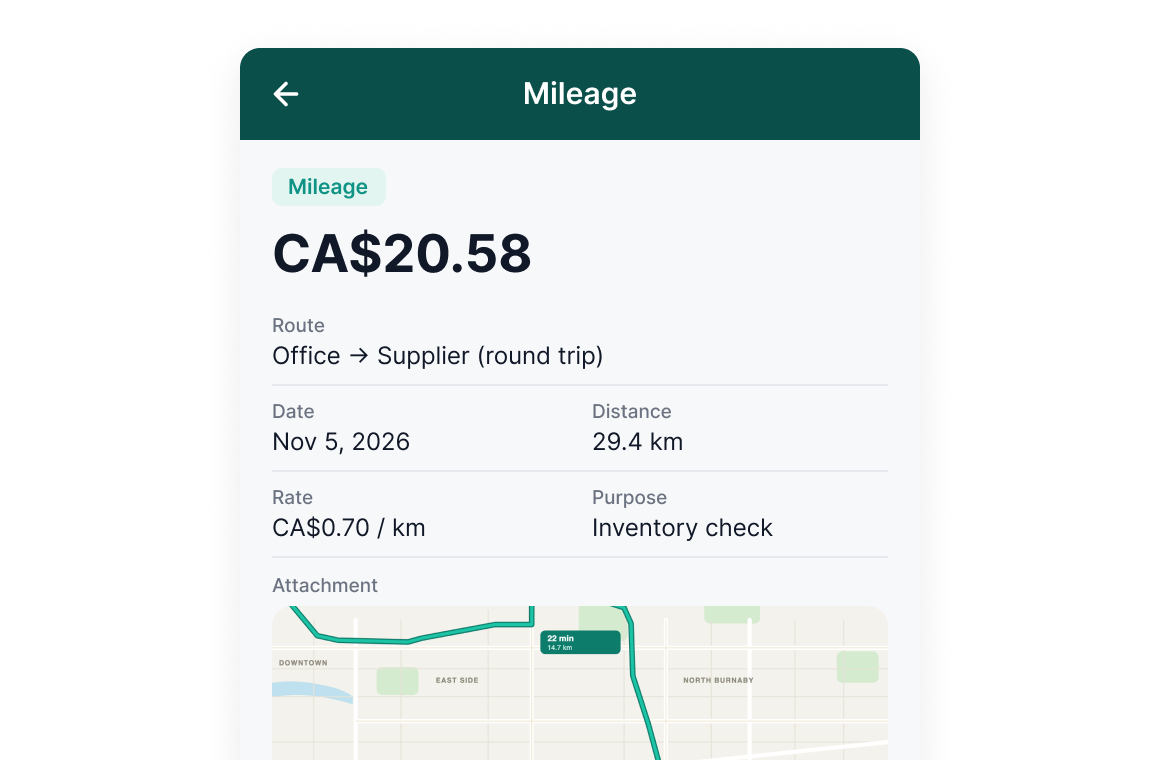
Log business mileage
Record business trips and track distances alongside your other expenses.
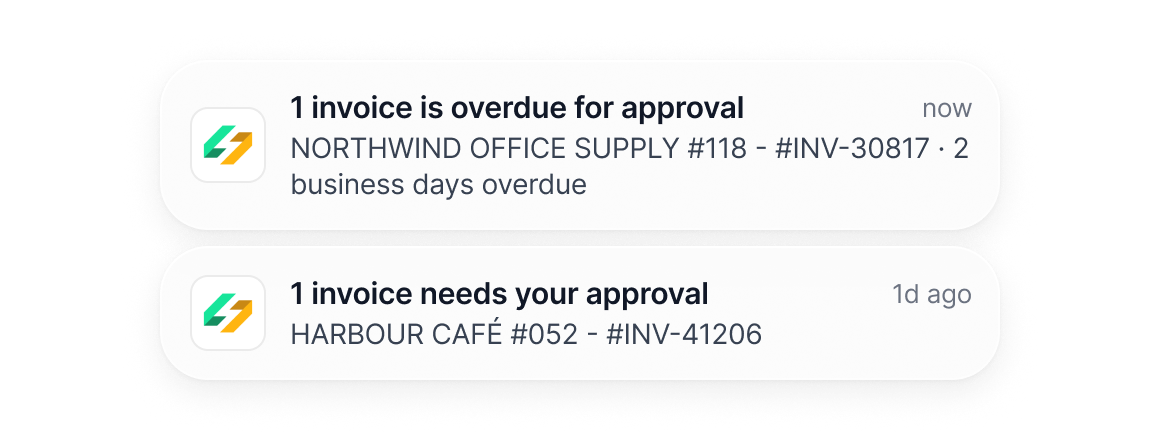
Stay updated with notifications
Get updates on expense activity and items that need your attention.
Expense submission made easy for everyone
Scan & submit
Employees and clients upload receipts from their phones.
Review & approve
Review submissions and approve expenses in Spendifique.
One place for all your financial documents
Once a receipt is scanned, it stays connected to the rest of your bookkeeping.
Line item extraction
Every line on the invoice is pulled out, with its description, amount and tax.
Inbox Sync
Connect your email to automatically collect new invoices as they arrive.
Statement matching
Match receipts to bank and card statements and see what's still missing.
Accounting integration
Sync to QuickBooks Online or Xero with the PDF attached, or export to Google Sheets.
Built for bookkeepers and small businesses
Bookkeepers & firms

From $16.50 / client / mo.
Stop chasing clients for missing receipts. Let them submit receipts directly from their phones while you review, categorize, and organize expenses across clients in one place. Sync everything to QuickBooks Online or Xero.
Small businesses

From $8 / mo.
No more lost receipts or piles of paperwork. Scan receipts as you go, let Spendifique extract the details, and keep your expenses organized and ready for bookkeeping.
What our customers are saying
Real feedback from bookkeepers and small businesses using Spendifique every day.
What made me switch was the lack of minimum client requirements. I didn’t want to pay for 10 clients when I only had 4 active ones. The multi-invoice PDF detection has also been surprisingly useful: it asks for confirmation and then automatically splits documents, which saves me a lot of manual effort. The extraction accuracy is better than what I’ve used in Xero and Hubdoc. Turnaround time is fast, and the suggestions are usually correct.

Having no limits on scans or line items is a big win. I don’t have to worry about usage caps when clients upload a large batch of invoices. The multi-line extraction works well, even on more detailed invoices with lots of items. I also appreciate that vendor recognition improves over time, it genuinely feels like the system learns and becomes more accurate the more I use it.
Speed is what really stands out. I can upload an invoice and within seconds, it's categorized with the vendor and tax details already filled in. The centralized dashboard makes managing multiple clients much easier, especially when assigning work to team members.

The workflow is straightforward and doesn't try to do too much. Setting up new clients is fast, and the chart of accounts and vendor lists sync automatically. Clients find the interface easy to use too, which cuts down on back-and-forth.
Questions about receipt scanning?
Open the Spendifique receipt scanner app, take a photo of your receipt, and upload it. Spendifique uses AI to extract expense details, so you can review and organize your receipts without entering everything manually.
Yes. Spendifique's free plan includes 30 receipt scans, with additional scans available for $0.50 each. Upgrade to a paid plan for unlimited scans.
Yes. Spendifique uses AI to extract individual line items, including descriptions, quantities, prices, and taxes from scanned receipts. Line-item extraction is available on eligible paid plans.
Yes. Employees and clients can scan and submit receipts directly from their phones. Business owners and bookkeepers can then review submissions, edit expense details, and manage approvals in Spendifique.
Yes. You can review and edit extracted receipt details, correct any errors, and categorize expenses directly in the mobile app or from your computer.
Yes. Receipts scanned through the mobile app are immediately available in your Spendifique account. You can access, review, and manage them from your computer without transferring files between devices.
Yes. The Spendifique receipt scanner app is available for both iPhone and Android, so you can scan receipts and manage business expenses wherever you are.
More questions?
Stop typing receipts by hand
Scan your first receipt and watch the details fill themselves in.
Get started