
Receipts and invoices, pulled straight from your inbox
Connect your Gmail or Outlook to Spendifique. Automatically import up to 24 months of past invoices and keep new ones coming in, without downloading or uploading them yourself.
Get started free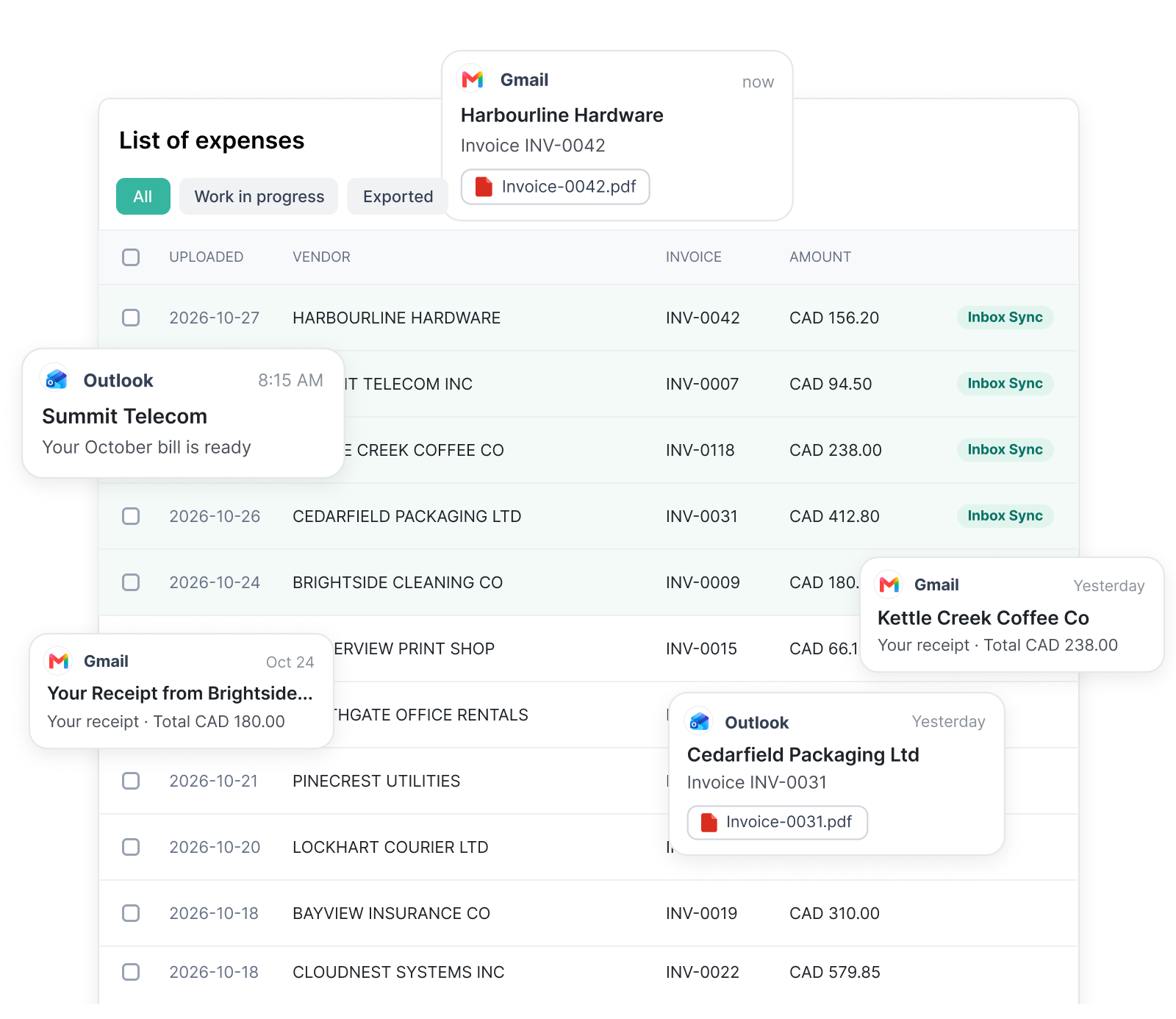
Connect once. Invoices keep coming.
Connect your inbox.
Sign in to the email account where receipts and invoices arrive, whether that’s yours or a client’s
Receipts are found.
Receipts and invoices are picked out and brought in, including up to 24 months of history on the first run.
Review and post.
Every line item is extracted and coded. Check the details, then send them to QuickBooks Online or Xero with the PDF attached.
Less chasing, fewer missing receipts
Catch up on past months
Up to 24 months of receipts and invoices come in on day one, so onboarding a new client doesn’t start with a shoebox.

Nothing slips through
New invoices appear in Spendifique automatically as soon as they hit your inbox.

Your inbox stays yours
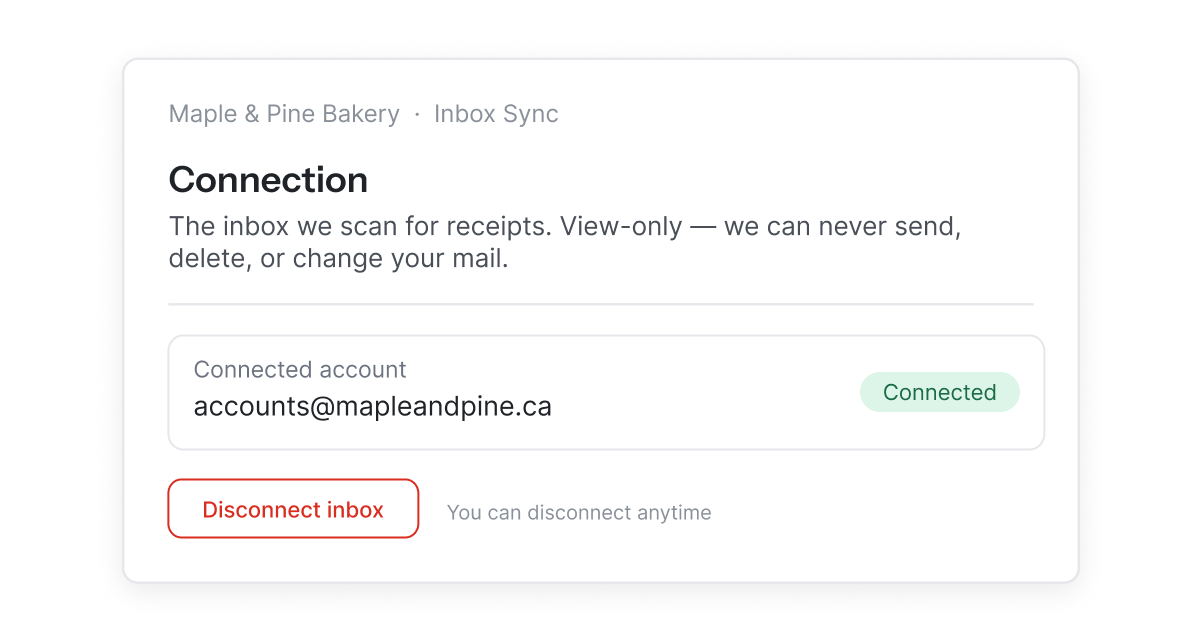
Inbox Sync looks for receipts and invoices and nothing else. It can’t send, delete or change your email, and you can disconnect it whenever you like.
More than collecting invoices
Once an invoice reaches Spendifique, it's ready for the next step.
Line item extraction
Every line on the invoice is pulled out, with its description, amount and tax.
Categorization
Each line is coded from your chart of accounts and past choices, ready to review.
Statement matching
Match invoices to bank and card statements and see what's still missing.
Accounting integration
Sync to QuickBooks Online or Xero with the PDF attached, or export to Google Sheets.
What our customers are saying
Real feedback from bookkeepers and small businesses using Spendifique every day.
What made me switch was the lack of minimum client requirements. I didn’t want to pay for 10 clients when I only had 4 active ones. The multi-invoice PDF detection has also been surprisingly useful: it asks for confirmation and then automatically splits documents, which saves me a lot of manual effort. The extraction accuracy is better than what I’ve used in Xero and Hubdoc. Turnaround time is fast, and the suggestions are usually correct.

Having no limits on scans or line items is a big win. I don’t have to worry about usage caps when clients upload a large batch of invoices. The multi-line extraction works well, even on more detailed invoices with lots of items. I also appreciate that vendor recognition improves over time, it genuinely feels like the system learns and becomes more accurate the more I use it.
Speed is what really stands out. I can upload an invoice and within seconds, it's categorized with the vendor and tax details already filled in. The centralized dashboard makes managing multiple clients much easier, especially when assigning work to team members.

The workflow is straightforward and doesn't try to do too much. Setting up new clients is fast, and the chart of accounts and vendor lists sync automatically. Clients find the interface easy to use too, which cuts down on back-and-forth.
Questions about Inbox Sync?
Gmail and Outlook.
Each account connects one inbox. If you’re a bookkeeper, your clients can connect their own inboxes, and their invoices show up in Spendifique for you to review.
Receipts and invoices, whether they’re attached as a PDF or written in the body of the email.
No. Inbox Sync has view-only access and only pulls in receipts and invoices. You can disconnect your inbox anytime from your settings.
The first scan pulls in up to 24 months of past receipts and invoices, then Inbox Sync checks for new ones every day. On the free plan, Inbox Sync goes back 90 days and shows your 15 most recent receipts.
Yes. On the free plan, Inbox Sync looks back 90 days and shows your 15 most recent receipts. Upgrade to see your full history.
More questions?
Stop forwarding receipts
Connect your inbox and let Spendifique collect every receipt and invoice for you. Start free with 30 scans.
Get started free